Blogs

gulnaaz Shaik
Layouts in liferay 7 can be created by using theme generator. So if you want to create layout make sure that you have installed theme generator and other necessary plugins.
If you have not installed, then please follow the steps in my previous post
For creating a layout, open command prompt & navigate to the directory where you want your layout to be placed and run command : yo liferay-theme:layout
Theme generator will ask you for layout name, layout id and version. Give the respective values.
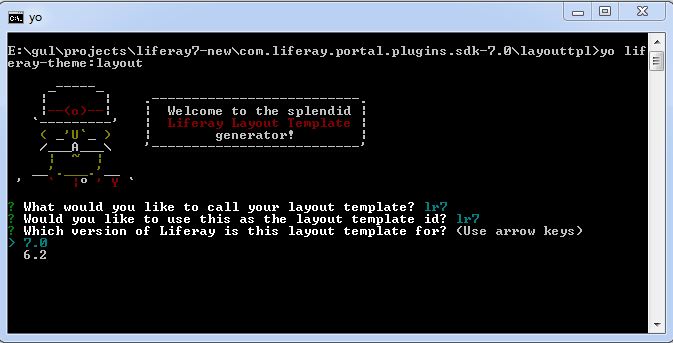
Here i am creating 1-2-3 layout (3rows(1column-2columns-3columns))
Theme generator would ask for number of columns in 1st row and column width for each, enter the values.
Then you can see options to add, insert, remove row and finish layout, if you are fine with the entered columns and column width for the 1st row then go for Add row option, if not choose other appropriate ones.
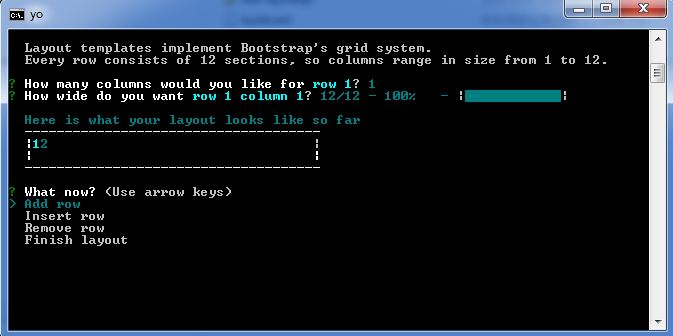
Like wise follow the steps.
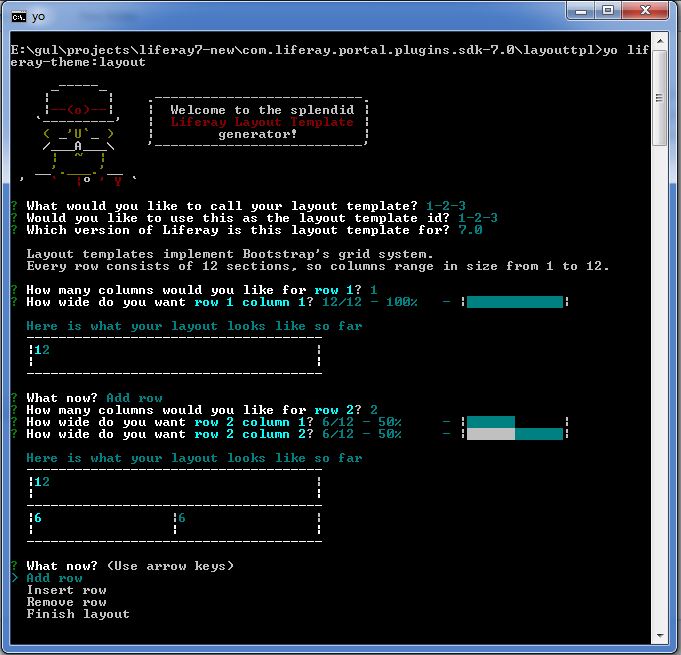

Once done you can select Finish layout.

Now it will ask your path for tomcat directory and URL for your development site, provide the details.
Now you can build and deploy your layout using gulp commands.
- gulp build
- gulp deploy
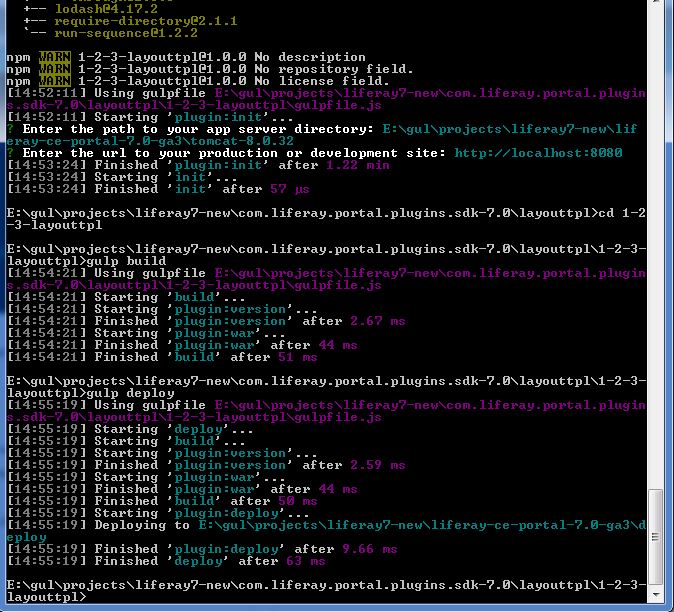
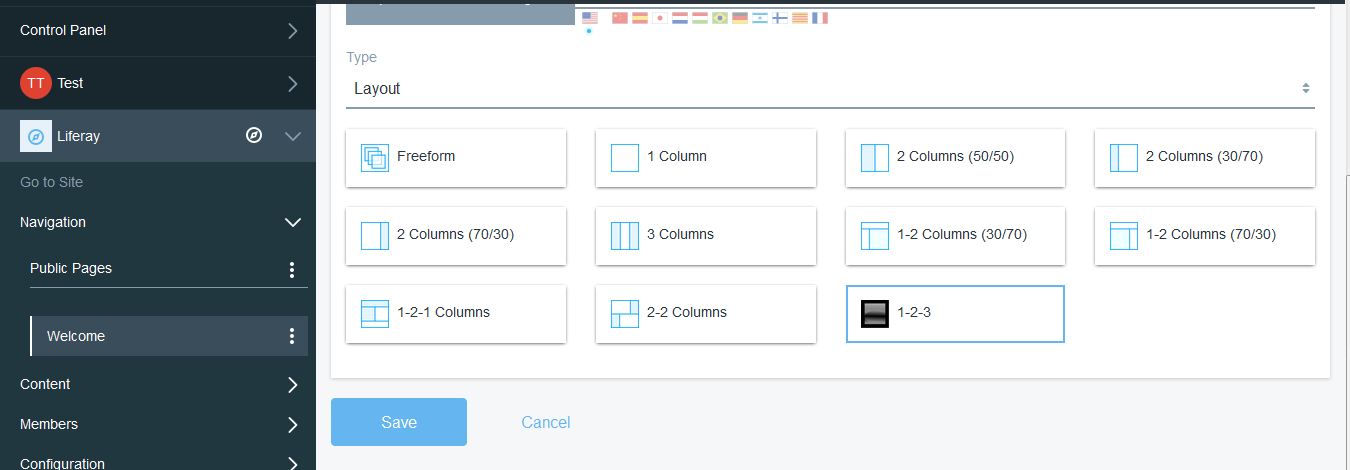
Your layout is now deployed,